
AI video generation stopped being a novelty and became a production line. In 2026, the question isn’t whether you should use an AI video generator for your channel — it’s which one fits your workflow, budget, and the way YouTube now treats AI-made content.
We worked through pricing pages, sample outputs, and documented user feedback across the category to build this list of the best AI video generators for YouTube creators. Every tool here does something genuinely well; none does everything. That distinction is what actually determines whether a subscription pays for itself.
This guide covers avatar-based presenter tools, cinematic text-to-video models, full auto-editing platforms, and AI-assisted editors. We’ll also flag where the category has shifted this year — including OpenAI shutting down Sora entirely, and YouTube tightening its stance on “inauthentic content.”

Table of Contents
How We Tested and Ranked These AI Video Generators
We evaluated each platform on fifteen criteria relevant to YouTube production: video quality, rendering speed, ease of use, AI capabilities, customization, editing tools, voice generation, avatar quality, templates, integrations, export options, pricing, value for money, support, and privacy practices.
Pricing figures below come from each vendor’s published pages, cross-checked against independent trackers, as of July 2026. AI video pricing shifts often, so treat every dollar figure as a snapshot and confirm current pricing before subscribing.
One notable absence: Sora. OpenAI discontinued the Sora app on April 26, 2026, with the API following on September 24, 2026, after the product failed to find a sustainable business model — a reminder of how fast this category moves.
Quick Summary (TL;DR)
- Best overall for YouTube creators: HeyGen — the strongest balance of avatar realism, ease of use, and YouTube-ready output.
- Best free option: Kling AI — a genuinely usable free tier with daily-refreshing credits, no card required.
- Best for professionals: Runway — the most cinematically credible AI video generator available.
- Best value: Pika — commercial rights and watermark-free exports from $8/month.
- Quick recommendation: Presenter-style channels should start with HeyGen. Faceless channels built around scripts should start with InVideo AI or Pictory. Narrative or documentary-style channels get the most cinematic B-roll from Runway or Kling AI.
The 10 Best AI Video Generators for YouTube Creators in 2026
1. HeyGen
HeyGen is one of the best AI video generators for creating professional talking-head videos without cameras or studios. It lets you generate videos from text, use realistic AI avatars, clone voices, and translate content into multiple languages with accurate lip-sync.
For YouTube creators, HeyGen is an excellent choice for tutorials, educational videos, product explainers, and faceless channels. Its intuitive interface and high-quality avatar technology make video production fast, scalable, and beginner-friendly.

Best For: Talking-head YouTubers, course creators, and anyone building a presenter-style channel without appearing on camera.
Why It Made Our List / Key Features: HeyGen produces the most convincing AI avatars we tested, generating presenter-style video from a script using stock avatars or a custom “digital twin.” It supports lip-synced translation into 175+ languages and a Video Agent that generates short clips from a prompt.
Ease of Use: Pick an avatar, write a script, choose a voice, generate — most first-time users produce a usable video within twenty minutes.
Video Quality: Avatar IV/V output holds up well in close-up, with natural blinking and gesture generation that avoids the flat look of earlier avatar tools; voice and lip-sync quality are strong.
Pricing: Free allows three 720p videos/month with a watermark. Creator starts at $29/month ($24 annually) with a monthly Premium Credit allowance for Avatar IV. Pro runs $49–99/month; Business is $149/month plus $20/seat. Avatar IV burns roughly 20 credits per minute, so Creator’s allowance covers about ten minutes of premium video monthly.
Pros: Most realistic avatars in the category · 175+ language lip-sync translation · fast script-to-video workflow.
Cons: Premium credits deplete quickly · “unlimited” only applies to the lower-quality Avatar III model · seat pricing adds up for teams.
Real-World Use Cases: Explainer channels, course previews, product walkthroughs, multilingual repurposing.
Limitations: Heavy Avatar IV users will likely outgrow Creator within a month or two.
Our Verdict: HeyGen tops this list because it solves the problem most YouTube creators actually have — a consistent, camera-ready presence without filming — better than any competitor. Budget for Pro if avatar video is central to your channel.
2. Synthesia
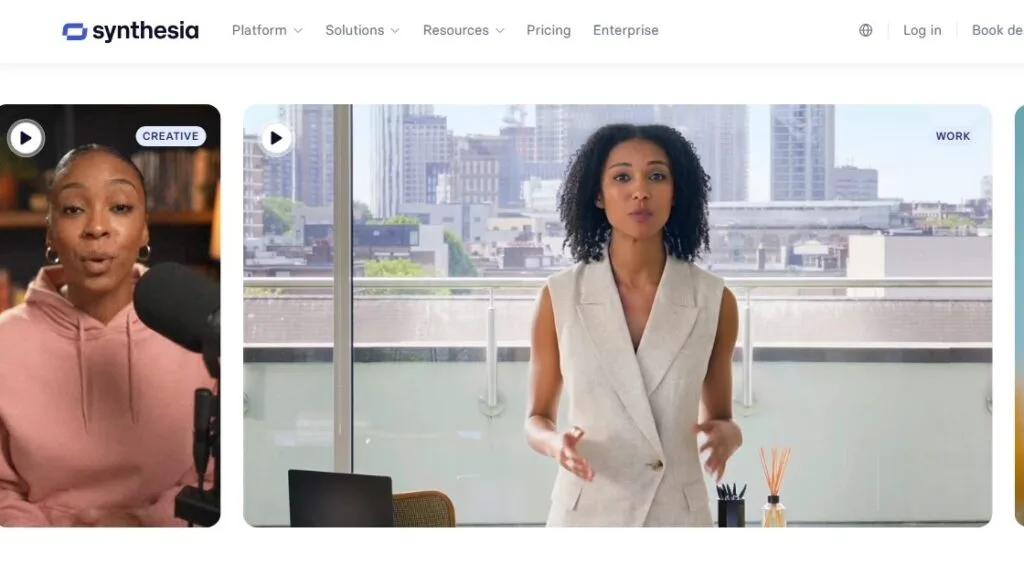
Synthesia is a leading AI video platform that specializes in avatar-based video creation for businesses, educators, and content creators. You can turn scripts into polished presenter videos using hundreds of AI avatars and multilingual voice options.
YouTube creators can use Synthesia to produce training videos, software walkthroughs, educational content, and business explainers. The platform emphasizes consistency, professional presentation, and ease of use rather than cinematic video generation.
Best For: Corporate-adjacent educational channels, training-style content, and creators who want a large avatar library.
Why It Made Our List / Key Features: Synthesia has the deepest avatar library (240+ on Enterprise) and the most mature scripting workflow of any presenter tool. Its PowerPoint-to-video conversion preserves slide design while turning speaker notes into narrated video — a standout for educators.
Ease of Use: The slide-based editor is approachable for non-editors but less flexible for fast-paced YouTube cuts.
Video Quality: Strong and consistent, though some reviewers note an “uncanny valley” effect during longer, unscripted-feeling delivery.
Pricing: Free gives a small monthly minute allowance with a watermark. Starter is $29/month ($18 annually) and removes the logo. Creator is $89/month ($64 annually) with more minutes, avatars, and interactive video (CTAs, quizzes). Enterprise is custom with unlimited minutes.
Pros: Largest avatar library · strong for structured/educational content · frequent feature updates.
Cons: Pricier than HeyGen per minute · inconsistent content-moderation complaints · less suited to fast-cut editing.
Real-World Use Cases: SaaS tutorials, multilingual training content, course previews.
Limitations: Per-minute pricing gets expensive for creators publishing multiple long-form videos monthly.
Our Verdict: The safer, more polished choice for structured educational content, though HeyGen generally offers better value per avatar-minute for pure YouTube use.
3. InVideo AI
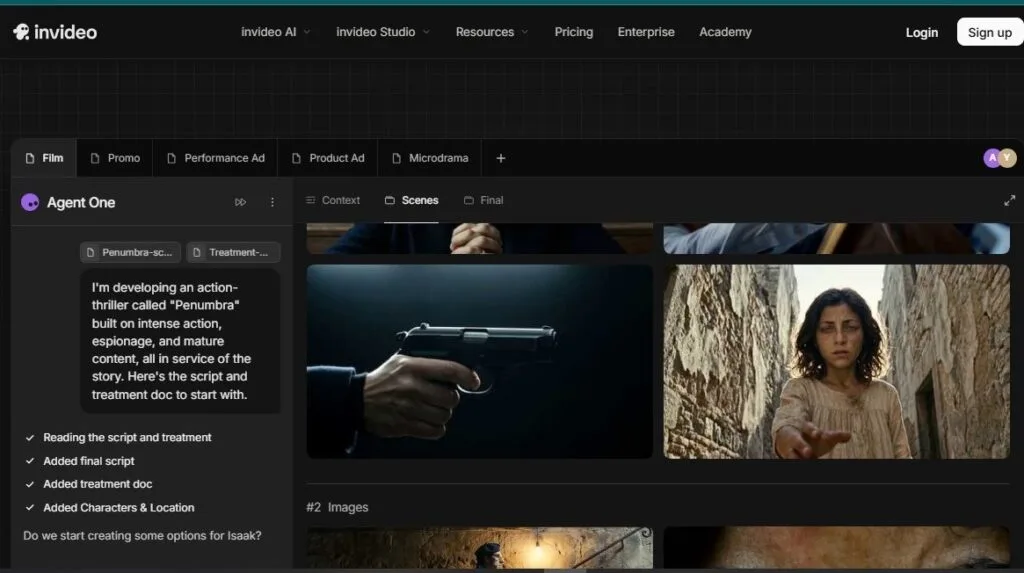
InVideo AI transforms simple prompts into complete videos with AI-generated scripts, visuals, voiceovers, subtitles, music, and transitions. It significantly reduces editing time while providing plenty of customization options before publishing.
The platform is especially popular among YouTubers creating listicles, news updates, marketing videos, and social media content. Its balance of automation and editing flexibility makes it suitable for both beginners and experienced creators.
Best For: Faceless YouTube channels and automated script-to-video production.
Why It Made Our List / Key Features: InVideo AI’s v4 agent assembles a complete video from a topic, script, or URL — stock footage, AI voiceover, captions, and music — with no manual editing needed for a publishable draft. It pairs 200+ generative models with a licensed iStock library.
Ease of Use: Type a prompt or paste a script; refine the rough cut through a conversational interface rather than a timeline.
Video Quality: Depends heavily on input quality — a tight script produces clean output, while a vague prompt often produces generic or mismatched visuals, a common complaint in user reviews.
Pricing: Free gives 10 AI minutes/week with a watermark. Plus is $25/month ($20 annually) with 50 AI minutes/week and iStock access. Max is $60/month ($48 annually) with 200 minutes/week and 4K. A Generative tier near $100–120/month adds premium cinematic models.
Pros: Fastest path from idea to rough cut · generous stock integration · weekly credit refresh.
Cons: Separate, non-pooled credit systems can run dry independently · output is prompt-dependent · free plan’s cap is unusable for regular publishing.
Real-World Use Cases: Daily faceless uploads, news-recap channels, marketing crossover content.
Limitations: Relying purely on prompt-to-video without script refinement invites more YouTube policy scrutiny than adding editorial judgment on top.
Our Verdict: The strongest choice for creators who want to publish frequently without hand-editing every video — provided you write a real script rather than a one-line prompt.
4. Runway
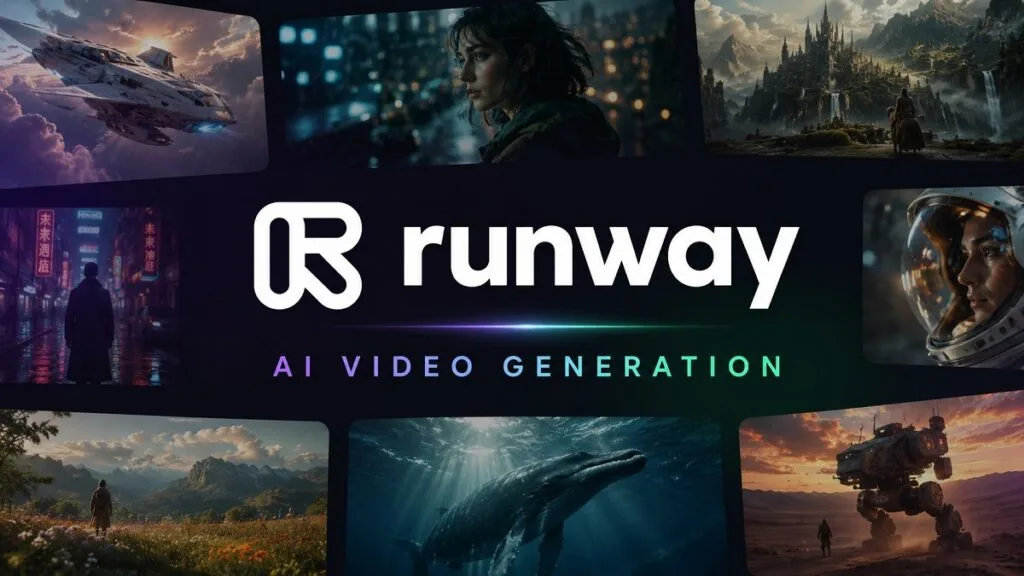
Runway is one of the most advanced AI video generators for creating cinematic videos from text, images, and existing footage. It also offers powerful AI editing features such as background removal, motion tracking, inpainting, and video expansion.
Creators who want high-quality visual storytelling, short films, music videos, or creative YouTube content often choose Runway. Its cutting-edge models deliver impressive realism while giving users greater creative control.
Best For: Cinematic B-roll, narrative shorts, and high-production-value visuals.
Why It Made Our List / Key Features: Runway’s Gen-4.5 is widely regarded as the most cinematically credible AI video model available, with motion coherence and lighting physics ahead of most competitors. Runway also bundles Act-Two (performance capture), Aleph (integrated editing), and third-party models like Veo 3.1 and Kling 3.0 Pro in one credit pool.
Ease of Use: More technical than avatar tools, with a real learning curve around prompting, camera controls, and credits.
Video Quality: Runway’s clear strength — convincing camera movement and coherent subjects that most competing models still struggle to match.
Pricing: Free includes a one-time 125-credit allowance. Standard is $12/month annually ($15 monthly) with 625 credits. Pro is $28/month annually ($35) with 2,250 credits. Max — which replaced Unlimited in 2026 — is $76/month annually ($95) with a substantially larger pool. Enterprise is custom.
Pros: Best-in-class cinematic quality and camera control · multi-model access under one subscription · Act-Two is a genuine differentiator.
Cons: Steepest learning curve on this list · Gen-4.5 credit consumption is steep at higher resolutions · queue-time complaints even on paid tiers.
Real-World Use Cases: Documentary-style B-roll, narrative shorts, title sequences.
Limitations: The most expensive option per finished minute for high-volume, short-form creators. (See our complete Runway review.)
Our Verdict: If cinematic quality is the priority and budget is secondary, Runway is the best AI video generator available in 2026 — overkill for high-frequency faceless content.
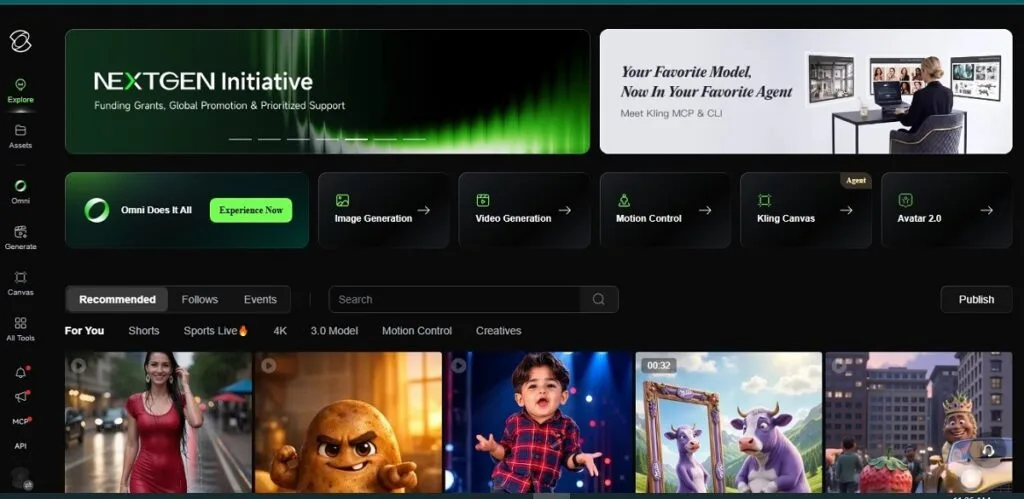
5. Kling AI
Kling AI is known for generating highly realistic videos with natural motion, detailed physics, and impressive prompt accuracy. The platform has gained attention for producing longer, visually consistent AI videos with strong cinematic quality.
For YouTube creators focused on storytelling, animations, concept videos, or AI filmmaking, Kling AI offers excellent visual results. It continues to evolve rapidly and remains one of the strongest competitors in AI video generation.
Best For: Budget-conscious creators who still want cinematic-grade output.
Why It Made Our List / Key Features: Kling AI, from Kuaishou, delivers photorealistic motion and strong human-subject rendering at a fraction of Runway’s price, with Kling 3.0 ranking near the top of independent text-to-video benchmarks. It supports text-to-video, image-to-video, native audio, motion-controlled cameras, and 4K output (added April 2026).
Ease of Use: Standard prompt-driven workflow; queue times can run long during peak demand, a frequent complaint.
Video Quality: Some of the strongest human-motion realism in the category, particularly for dialogue-style shots.
Pricing: Free gives 66 credits/day (expiring after 24 hours), watermarked and non-commercial. Standard starts at $6.99/month, Pro $25.99, Premier $64.99, Ultra $127.99–180 (monthly only, no annual discount). Annual billing saves roughly 34% on Standard through Premier.
Pros: Lowest entry price for commercial, watermark-free AI video here · strong human-motion realism · 4K now available.
Cons: Documented billing and cancellation complaints · credits expire monthly with no rollover, and failed generations still consume credits · support responsiveness is a weak point.
Real-World Use Cases: Short dramatic content, budget B-roll, testing cinematic AI video before committing elsewhere.
Limitations: Start on monthly billing before committing annually, given the support track record. (More in our Kling AI review.)
Our Verdict: The best quality-to-price ratio of any cinematic AI video generator here, undercut only by inconsistent billing and support.
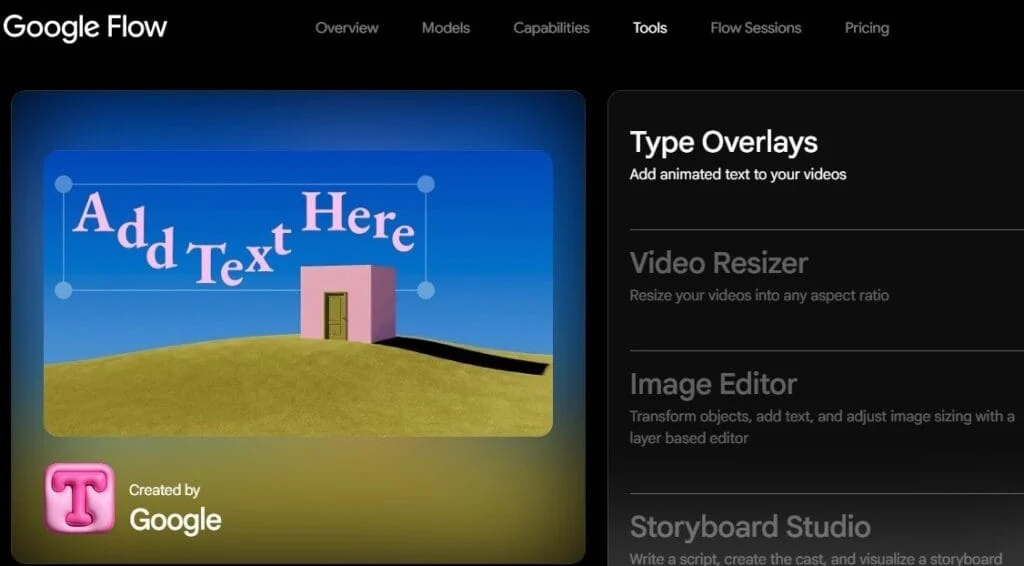
6. Google Veo 3.1 (via Flow)
Google Veo 3.1, available through Flow, is Google’s flagship AI video generation model designed for creating realistic, high-quality videos from text prompts. It excels at understanding complex instructions while producing smooth motion, cinematic scenes, and consistent visual quality.
For YouTube creators, Veo 3.1 is ideal for storytelling, marketing videos, creative projects, and concept visualization. Its advanced video quality and integration with Google’s AI ecosystem make it a compelling option for professional creators.
Best For: Creators who want native, synchronized dialogue and sound design generated with the video itself.
Why It Made Our List / Key Features: Veo 3.1 is one of the only major models generating dialogue, sound effects, and ambient audio natively alongside visuals — removing a full production step other tools still require. Access comes via Google’s Flow interface, the Gemini app, or Vertex AI/Gemini API for developers.
Ease of Use: The Gemini-app route is a simple prompt box; Flow’s camera and editing controls take longer to learn.
Video Quality: Native audio is the clear advantage, with prompt adherence and realism ranked among the top tier by independent trackers.
Pricing: No standalone Veo plan — access is bundled into Google AI subscriptions. Google AI Pro is $19.99/month with 1,000 Flow credits (roughly ten higher-quality clips). Google AI Ultra is $249.99/month with 25,000 credits and full 1080p access. API billing runs $0.03–$0.60 per second depending on tier.
Pros: Native synced audio generation · bundled with Gemini’s broader tools · strong benchmark performance.
Cons: No video-only plan · Pro’s credit allocation covers relatively few high-quality clips · 8-second generation cap means longer videos require chaining clips.
Real-World Use Cases: Dialogue-driven scenes, ad-style hooks with synced sound, creators already inside the Google ecosystem.
Limitations: Ultra’s price only makes sense if you’re also using Gemini’s other premium features.
Our Verdict: The strongest choice for short, audio-critical clips, though bundled pricing makes it a harder recommendation as a video-only purchase.
7. Luma AI Dream Machine
Luma AI Dream Machine generates realistic videos from text and images with a strong focus on natural movement and dynamic camera motion. It produces visually appealing clips that work well for creative projects and cinematic storytelling.
YouTube creators frequently use Dream Machine for B-roll, visual effects, concept art, and engaging short-form videos. Its fast generation speed and impressive realism make it a valuable addition to any AI video workflow.
Best For: Post-production-minded creators who want physically plausible motion and HDR footage for a larger edit.
Why It Made Our List / Key Features: Luma’s Ray3 “reasoning” model interprets a prompt, generates, evaluates its own output, and retries — producing more physically coherent motion than earlier competitors. Ray3 outputs native HDR, and Draft Mode generates a cheap preview before committing full credits to a final render.
Ease of Use: Clean, creator-focused interface, though the shift to “Luma Agents” usage-multiplier pricing is harder to evaluate at a glance.
Video Quality: Some of the most “shot, not generated” footage available, with a real edge for downstream color work.

Pricing: A free tier offers limited, watermarked generations. Plus is $30/month ($25 annually), Pro is $90/month ($75 annually), Ultra is $300/month ($250 annually). Team and Enterprise are quote-based.
Pros: Best-in-class physical realism and native HDR · Draft Mode cuts wasted credits · multi-model routing in one workspace.
Cons: Highest entry price among pure text-to-video tools here · steep credit burn on HDR and video-to-video work · no credit rollover.
Real-World Use Cases: Color-graded narrative content, agency production work, downstream editing pipelines.
Limitations: Priced for professional post-production more than daily-upload schedules.
Our Verdict: The right choice for creators who treat AI video as raw footage for a larger edit, valuing physical realism over speed or price.
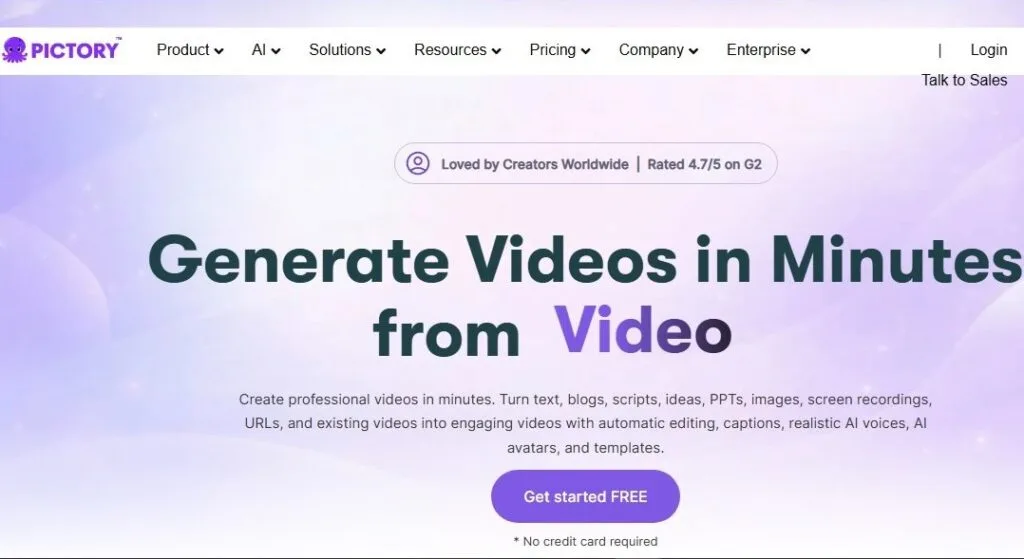
8. Pictory
Pictory helps creators convert articles, blog posts, scripts, and long-form content into engaging videos with minimal editing. It automatically adds stock footage, captions, voiceovers, and branding to streamline video production.
This makes Pictory especially useful for YouTube automation channels, educational content, and repurposing existing written content. Its simplicity allows creators to publish consistent videos without advanced editing skills.
Best For: Creators repurposing blog posts, articles, or scripts into video.
Why It Made Our List / Key Features: Pictory converts a blog post, script, or article into a finished video by auto-selecting matching stock footage and adding AI narration and captions — genuinely useful for creators who write before they film. Higher tiers draw from an 18-million-asset library (Getty Images, Storyblocks) and support ElevenLabs voices and voice cloning.
Ease of Use: Built around text-in, video-out rather than a timeline, making it approachable for non-editors.
Video Quality: Leans on curated stock rather than generative video, so quality means how well visuals match your script’s meaning — generally solid, occasionally literal on abstract language.
Pricing: No persistent free plan, but a 14-day trial covers three projects. Starter is $25/month annually ($29 monthly) with 200 export minutes at 720p. Professional is $35/month annually ($59 monthly) with 600 minutes, 1080p, and the full stock/voice library. Teams starts at $119/month annually.
Pros: Best workflow for turning written content into video · large licensed stock library avoids generative artifacts · strong ElevenLabs voice integration.
Cons: Starter caps at 720p · limited creative range versus generative tools · storage-overflow policy isn’t clearly documented.
Real-World Use Cases: Blog-to-YouTube repurposing, news/commentary channels, course creators converting written lessons.
Limitations: Not the right tool if your channel depends on original, generative visuals rather than stock-assembled footage.
Our Verdict: For writers-turned-video-creators, one of the fastest paths from a finished script to a publishable video.
9. Descript
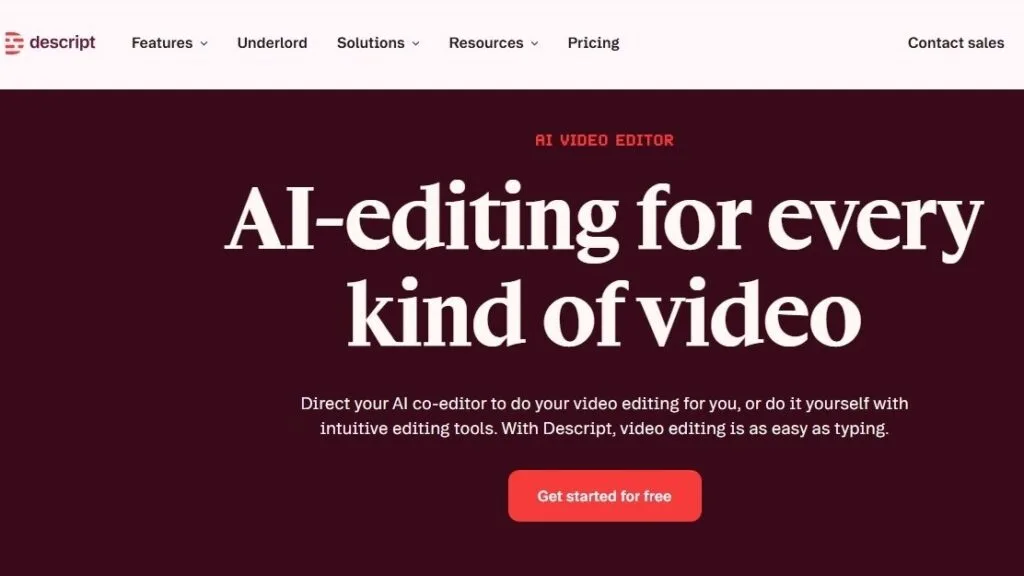
Descript combines AI video editing, screen recording, transcription, podcast production, and voice generation into a single platform. Its text-based editing approach allows creators to edit videos by simply editing the transcript.
For YouTube creators, Descript is ideal for interviews, tutorials, podcasts, and educational videos. AI features like filler-word removal, eye contact correction, and voice cloning help produce polished content with less manual work.
Best For: Podcast-to-YouTube creators whose bottleneck is cutting footage, not generating it.
Why It Made Our List / Key Features: Descript approaches AI video from the editing side: its text-based paradigm lets you cut video by deleting words from a transcript, and its Underlord AI co-editor executes multi-step instructions like “remove filler words, add captions, create three social clips” from one prompt. Studio Sound, Eye Contact correction, Green Screen, and Overdub voice cloning round out the toolkit.
Ease of Use: Gentler learning curve than a traditional NLE, while still exporting to Premiere, Final Cut, or Resolve.
Video Quality: Not a generative tool — quality here means how seamless the AI-assisted edits look, which is excellent for spoken-word content.
Pricing: Free includes 60 media minutes/month with watermarked exports and capped AI features. Hobbyist runs $16–24/month. Creator (renamed from “Pro”) is $24/month annually ($35) with 30 hours of media, 800 AI credits, and 4K export. Business is $50–65/month. AI features draw from a separate, metered credit pool.
Pros: Text-based editing genuinely speeds up spoken-word production · Underlord handles complex multi-step edits · exports cleanly to pro NLEs.
Cons: 2025’s shift to metered AI credits frustrated long-time users · per-seat pricing adds up for teams · doesn’t generate new footage.
Real-World Use Cases: Turning podcast recordings into YouTube episodes and clips, interview-based channels.
Limitations: Won’t help if your bottleneck is a lack of raw footage — pair it with a generative or avatar tool if so.
Our Verdict: The strongest AI-assisted editor here, not a generator — ideal for creators who already film or record and need to cut faster.
10. Pika
Pika is an AI video generator designed for creating fun, creative, and visually engaging videos from text prompts or images. It offers effects, animation tools, and motion controls that make short-form content easy to produce.
Content creators often use Pika for YouTube Shorts, social media videos, promotional clips, and experimental animations. Its ease of use and creative features make it a great option for quickly producing eye-catching AI-generated videos.
Best For: Short-form, effects-driven Shorts content and tight budgets.
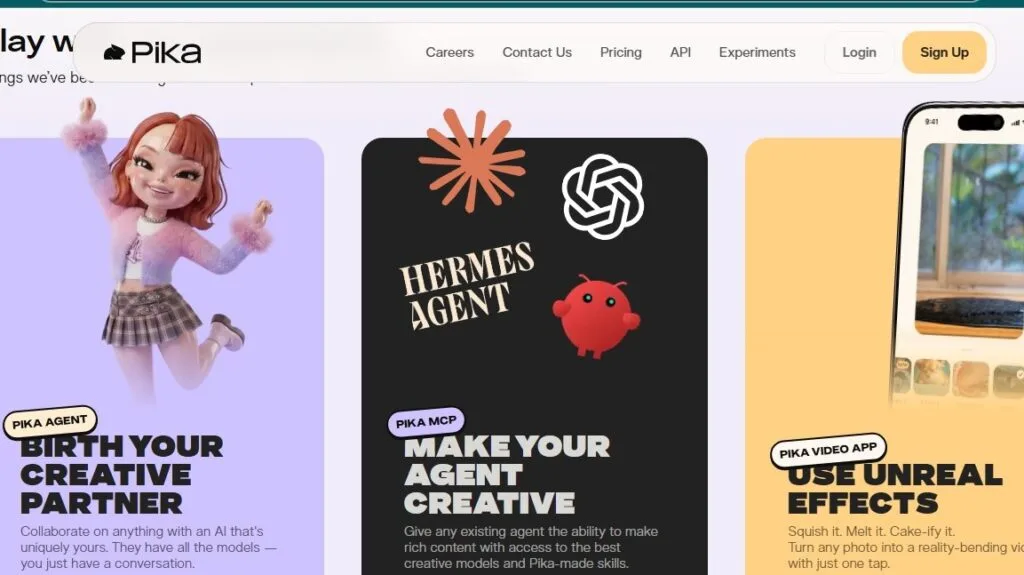
Why It Made Our List / Key Features: Pika trades photorealism for speed, playfulness, and price, with signature Pikaffects (melt, explode, inflate) and 30–90 second generation times. Pikascenes, Pikaswaps, Pikaframes, and Pikatwists round out a toolkit built for fast iteration over single high-fidelity renders.
Ease of Use: The fastest tool here to get a result from — describe an effect, get a clip in under 90 seconds.
Video Quality: Trails Runway, Kling, and Luma on photorealism, and clips cap at 10 seconds, but that’s often beside the point for stylized Shorts content.
Pricing: Free gives 80 monthly credits at 480p with a watermark and no commercial rights. Standard is $8/month annually ($10 monthly) with 700 credits and commercial rights. Pro is $28/month annually ($35) with 2,300 credits. Fancy is $76/month annually ($95) with 6,000 credits and faster speeds.
Pros: Lowest commercial-use entry price here · fastest iteration speed · distinctive effects unavailable elsewhere.
Cons: Photorealism and consistency lag well behind cinematic competitors · 10-second clip cap limits long-form use · mixed reviews on output consistency and refunds.
Real-World Use Cases: YouTube Shorts, meme/reaction content, quick concept visualization.
Limitations: Not built to anchor a long-form, narrative-driven channel.
Our Verdict: The best entry point for creators who want to experiment with AI video without a real financial commitment — especially Shorts-first channels.
Comparison Table: Best AI Video Generators at a Glance
| Tool | Best For | Free Plan | Starting Price | AI Avatars | Text-to-Video | Voice Cloning | Aiverda Labs Score |
|---|---|---|---|---|---|---|---|
| HeyGen | Talking-head YouTube channels | Yes (3 videos/mo) | $29/mo ($24 annual) | Yes | Yes | Yes | 4.6/5 |
| Synthesia | Educational/corporate-style video | Yes (limited) | $29/mo ($18 annual) | Yes | Limited | Yes | 4.4/5 |
| InVideo AI | Automated faceless channels | Yes (10 min/wk) | $25/mo ($20 annual) | Yes | Yes | Yes | 4.0/5 |
| Runway | Cinematic B-roll & production | Yes (one-time credits) | $15/mo ($12 annual) | No | Yes | No | 4.7/5 |
| Kling AI | Budget cinematic quality | Yes (daily credits) | $6.99/mo | Yes (digital humans) | Yes | Yes | 4.2/5 |
| Google Veo 3.1 (Flow) | Native audio/dialogue clips | Yes (limited credits) | $19.99/mo | No | Yes | No | 4.3/5 |
| Luma Dream Machine | Physics-accurate, HDR footage | Yes (limited) | $30/mo ($25 annual) | No | Yes | No | 4.4/5 |
| Pictory | Blog/script-to-video repurposing | Trial only | $25/mo ($29 monthly) | Coming | No (stock-based) | Yes | 4.0/5 |
| Descript | AI-assisted editing & podcasts | Yes (60 min/mo) | $16/mo (annual) | Yes | Yes (generative tools) | Yes | 4.3/5 |
| Pika | Budget short-form & Shorts effects | Yes (80 credits/mo) | $8/mo ($10 monthly) | No | Yes | No | 3.9/5 |
Ratings reflect Aiverda Labs’ editorial assessment based on hands-on testing, published pricing, and documented user feedback as of July 2026 — not third-party review-site scores.
Choosing the Best AI Video Generator for Your Situation
Beginners should start with the free tier matching their content style — Kling AI or Pika for generative video, HeyGen for presenter-style content — before subscribing to anything.
Professional YouTubers producing polished, high-production-value content get the most from Runway or Luma, both rewarding the time investment with genuinely cinematic output.
Businesses and marketing teams repurposing content across channels do best with Synthesia or HeyGen for multilingual capability, or InVideo AI for volume-driven production.
Educators building course-preview or training content should lean toward Synthesia, whose quiz and PowerPoint-import features suit structured learning.
Agencies managing multiple client channels benefit from tools with predictable per-seat costs — Descript’s Business tier and Runway’s Enterprise plan both fit.
Faceless YouTube channels are best served by InVideo AI for full automation or Pictory for converting existing written content, paired with real script-writing to stay inside YouTube’s authenticity guidelines.
Short-form and Shorts-first creators should prioritize speed and cost over photorealism — Pika’s iteration speed and low price are purpose-built for this, with Kling AI a step up in realism.
Long-form, narrative, or documentary-style channels need the motion coherence that only Runway, Kling AI, or Luma currently deliver consistently.
The Future of AI Video Generation
AI avatars are converging on photorealism faster than expected. HeyGen’s Avatar IV/V progression and Synthesia’s frequent updates suggest the “uncanny valley” gap most creators still notice will likely close within the next model generation or two.
Agentic, prompt-to-full-video workflows are becoming the default. InVideo AI’s v4 agent and Descript’s Underlord both point toward a future where a single instruction — not a shot-by-shot prompt — produces a finished, edited video.
Native audio generation is spreading beyond Veo. Kling’s native-audio model and Runway’s voice-dubbing tools suggest synchronized dialogue generated alongside video will become standard rather than a Google-specific advantage.
Platform durability is now a real purchasing consideration. OpenAI’s decision to shut down Sora entirely in 2026, after a reported $1 billion Disney licensing deal collapsed and the product failed to convert viral interest into sustainable revenue, is a genuine warning sign for creators building workflows around a single AI video platform. Multi-model platforms like Runway or Luma, which route between several underlying models, reduce that risk.
Copyright and ethical-use questions remain unresolved. Training-data provenance, the depiction of real people without consent, and the use of copyrighted characters in generated video are active legal and policy battlegrounds. Treat any platform’s “commercial use” license as a starting point for research, not a substitute for your own judgment about what’s appropriate to publish.
Conclusion
There’s no single best AI video generator for every YouTube creator — the right pick depends on whether your channel lives or dies on a believable host, cinematic B-roll, fast Shorts production, or a script-to-video pipeline. HeyGen is our top overall pick for presenter-style content, Runway remains the strongest choice for genuine cinematic quality, and Kling AI or Pika are the smartest starting points if budget is the primary constraint.
The most effective approach across every category in this guide wasn’t picking one winner — it was combining tools: a cinematic generator for hero shots, an avatar tool or your own voice for narration, and an AI-assisted editor like Descript to pull it together. Start with the free tier matching your content style, confirm the output fits your channel’s look, and only then commit to a paid plan.
Frequently Asked Questions
What is the best AI video generator?
There’s no single best AI video generator for every use case — HeyGen is the strongest overall pick for YouTube creators needing a presenter avatar, Runway leads for cinematic quality, and Kling AI leads for value.
Which AI video generator is best for YouTube?
For most creators, HeyGen offers the best balance of ease of use, avatar realism, and output speed. Channels focused on visuals over a presenter are better served by Runway or Kling AI, and faceless channels typically do best with InVideo AI or Pictory.
Can AI generate complete YouTube videos?
Yes — tools like InVideo AI and Pictory can produce a fully assembled video, including script-matched visuals, voiceover, captions, and music, from a prompt or written content. Output still benefits from human editorial review before publishing, both for quality and policy compliance.
Are AI-generated videos monetizable on YouTube?
Yes, provided they meet YouTube’s “inauthentic content” policy, renamed and tightened in mid-2025. The rule targets mass-produced, templated, or low-effort content — not AI tools themselves — and channels showing genuine editorial judgment and varied output generally remain eligible. YouTube terminated a wave of large channels in January 2026 for violating this policy, so disclosure via the “altered or synthetic content” toggle and real human input into scripting and editing are both worth taking seriously.
Which AI video generator has the most realistic avatars?
HeyGen currently produces the most realistic AI avatars in this category, particularly with Avatar IV and V, though Synthesia remains competitive with the largest overall avatar library.
Is there a free AI video generator?
Yes — most tools here, including HeyGen, Kling AI, Runway, Luma, and Pika, offer free tiers, typically with watermarks, resolution caps, and restricted commercial use.
Which AI tool is best for faceless YouTube channels?
InVideo AI is the strongest choice for fully automated production from a script or prompt, while Pictory is better suited to creators repurposing existing written content.
Can AI replace video editors?
Not entirely — YouTube’s 2026 policy shifts explicitly reward content with visible human editorial judgment over fully automated, template-driven output. AI tools like Descript and InVideo AI speed up production, but the best long-term results come from treating AI as an accelerant, not a replacement for creative decisions.
What is the easiest AI video generator for beginners?
HeyGen and Pictory are both approachable for beginners — HeyGen for its simple script-to-avatar workflow, Pictory for text-to-video conversion that requires no editing background.
Are AI-generated videos copyright-safe?
It’s complicated. Paid tiers typically include a commercial-use license for what you generate, but training-data provenance, use of real people’s likenesses, and depiction of copyrighted characters remain active legal questions. Avoid generating content featuring real, identifiable public figures or recognizable copyrighted characters, and review each platform’s usage terms before publishing anything monetized.
Continue reading: AI Video Generators vs AI Video Editors | How to Choose the Right AI Tool
Worth a look



For tool makers List you tool for free 2 of 100 free listings publishedSubmit your tool
Weekly digest · Aiverda Labs
The best new AI tools, in your inbox
A short digest of the tools we add, the reviews we publish and the deals worth grabbing. No spam — unsubscribe anytime.