
Type “AI video tool” into a search bar and you’ll get a wall of results that all sound the same: create stunning videos with AI, no experience needed, from idea to finished video in minutes. What that wall of results doesn’t tell you is that “AI video tool” actually covers two very different jobs — and picking the wrong one is the single most common reason people come away disappointed.
Before you compare a single tool, it’s worth understanding the difference between an AI video generator and an AI video editor. They solve opposite problems.
The core difference: creating footage vs. shaping footage
- An AI video generator creates video that didn’t exist before. You give it a text prompt, an image, or both, and it produces entirely new footage — a scene, a character, a camera move — generated frame by frame by an AI model.
- An AI video editor works with footage you already have. You upload a video (yours, a client’s, stock footage), and the AI helps you cut it, caption it, reformat it, or polish it faster than doing it by hand.
Put simply: a generator answers “what if this existed?” An editor answers “how do I make this footage better, faster?”
What generators are actually good at
AI video generators are built for scenes that would otherwise require a camera, actors, a location, or a special-effects budget you don’t have. Ask for “a wolf standing in a storm-lit forest” or “a product spinning slowly on a marble countertop,” and the tool imagines the whole scene from scratch.

This is genuinely remarkable technology, but it comes with real limitations worth knowing before you rely on it:
- Duration is short. Most generators still produce clips in the 5–15 second range per generation, not full videos in one pass.
- Physics and motion are imperfect. Walking, running, and complex human movement are still common failure points — a character might glide instead of walk, or repeat a motion unnaturally.
- Consistency across shots is hard. Getting the same character to look identical across a second or third generated clip is a known weak point, though newer tools have built specific features just to solve this.
- Prompting is a skill in itself. The gap between a mediocre result and a great one is often entirely in how specifically you describe camera angle, lighting, and motion.
Generators are the right tool when the goal is something imaginative, illustrative, or otherwise impossible to film — concept visualization, stylized ads, social content that needs to stand out, or filling in a shot nobody could realistically capture.
What editors are actually good at
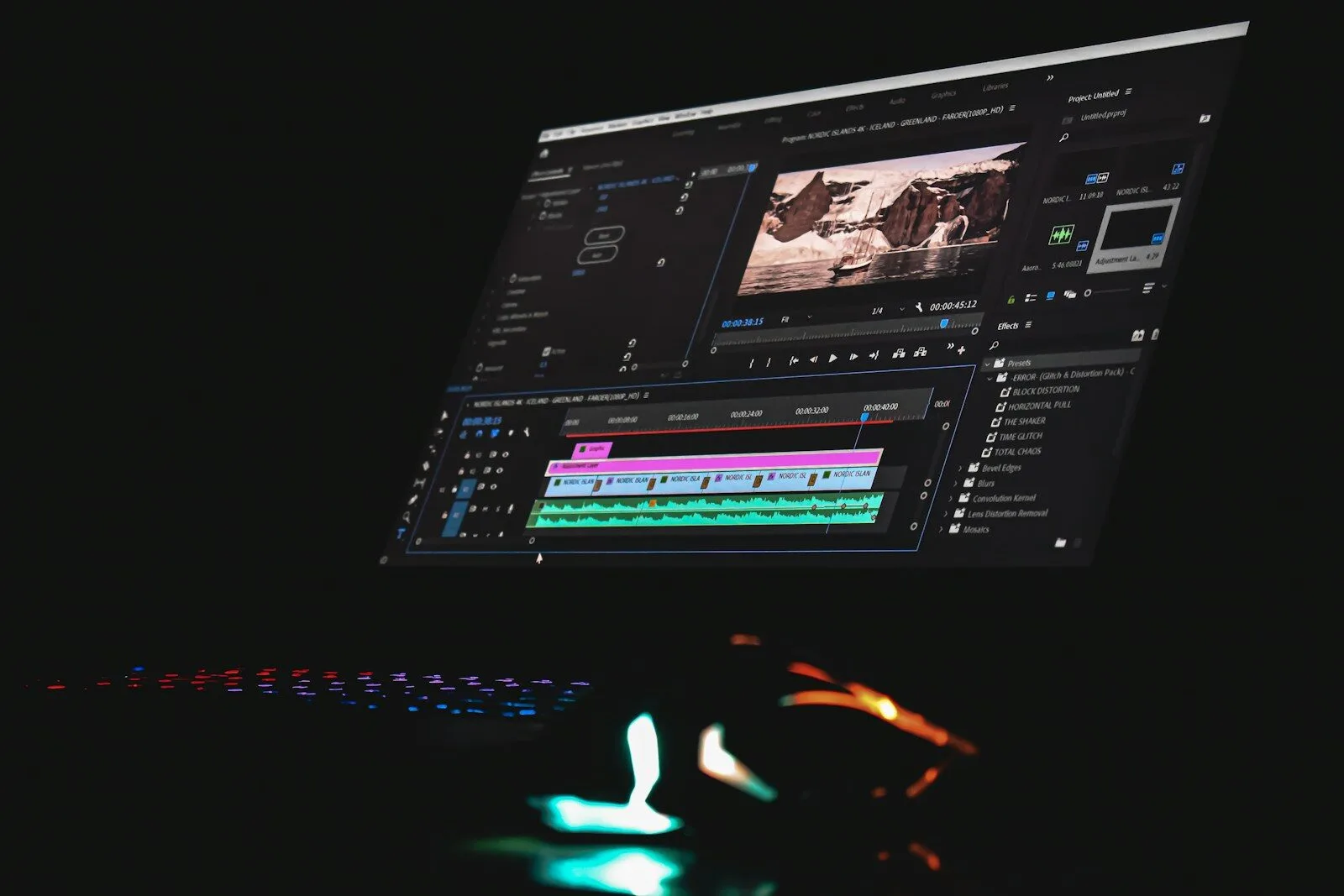
AI video editors assume the raw footage already exists, and their job is to save you the hours normally spent in a timeline. This is where AI has quietly become extremely practical:
- Text-based editing — some tools let you edit the video by editing its transcript, so cutting a sentence cuts the matching clip automatically.
- Auto-captioning and reframing — turning a long-form video into vertical, captioned clips for social media, automatically.
- Filler-word and silence removal — cleaning up “um,” dead air, and awkward pauses without manually scrubbing through footage.
- Voice cleanup and cloning — fixing audio quality or generating a voiceover in your own cloned voice.
- Finding the best moments — some tools scan a long recording (a podcast, a webinar, a keynote) and surface the clips most likely to perform well as short-form content.
Editors are the right tool when you already have real footage — a Zoom recording, a product shoot, a founder interview — and the bottleneck is the hours of manual editing between raw footage and something publishable.

Why the confusion happens
Marketing copy blurs this line constantly, and for an understandable reason: many platforms now offer both capabilities under one roof. A single subscription might let you generate a new B-roll clip from a text prompt and then drop it into a timeline-based editor to combine it with real footage, captions, and music. That’s a genuinely useful combination — but it also means the tool’s homepage will happily use “AI video creation” to describe two different jobs without telling you which one you’re actually about to use.
The clearest way to check which one you’re looking at: does it need existing footage as an input, or does it produce footage from nothing? If you can’t answer that from the homepage in ten seconds, that’s usually a sign the platform is emphasizing whichever capability sounds more exciting rather than being upfront about the workflow.
A quick way to decide which you need
Ask yourself one question before you evaluate any specific tool: “Do I already have the footage?”
- If no — you need a scene, character, or visual that doesn’t exist yet — you want a generator.
- If yes — you have raw footage and the problem is turning it into something polished, short, or platform-ready — you want an editor.
- If the honest answer is both — say, you’re producing a marketing video that combines a generated establishing shot with a real product demo — look specifically for platforms built to hand off between the two smoothly, rather than assuming any “AI video tool” will do it well.
Why this matters before you read a single review
The single biggest source of disappointment we see with AI video tools isn’t quality — it’s mismatch. Someone hoping to polish an existing interview picks a text-to-video generator and wonders why it can’t touch their raw footage. Someone hoping to conjure a cinematic scene from imagination picks an editor and wonders why there’s no “generate” button at all.
Knowing which category you actually need is the real first step — the specific tool comes second. When we publish comparisons in this space, we’ll always tell you upfront which job a tool is built for, so you’re comparing apples to apples instead of discovering the mismatch after you’ve already paid for a month you didn’t need.
Worth a look
Includes paid placements, labelled.


For tool makers List you tool for free 2 of 100 free listings publishedSubmit your tool
Weekly digest · Aiverda Labs
The best new AI tools, in your inbox
A short digest of the tools we add, the reviews we publish and the deals worth grabbing. No spam — unsubscribe anytime.