

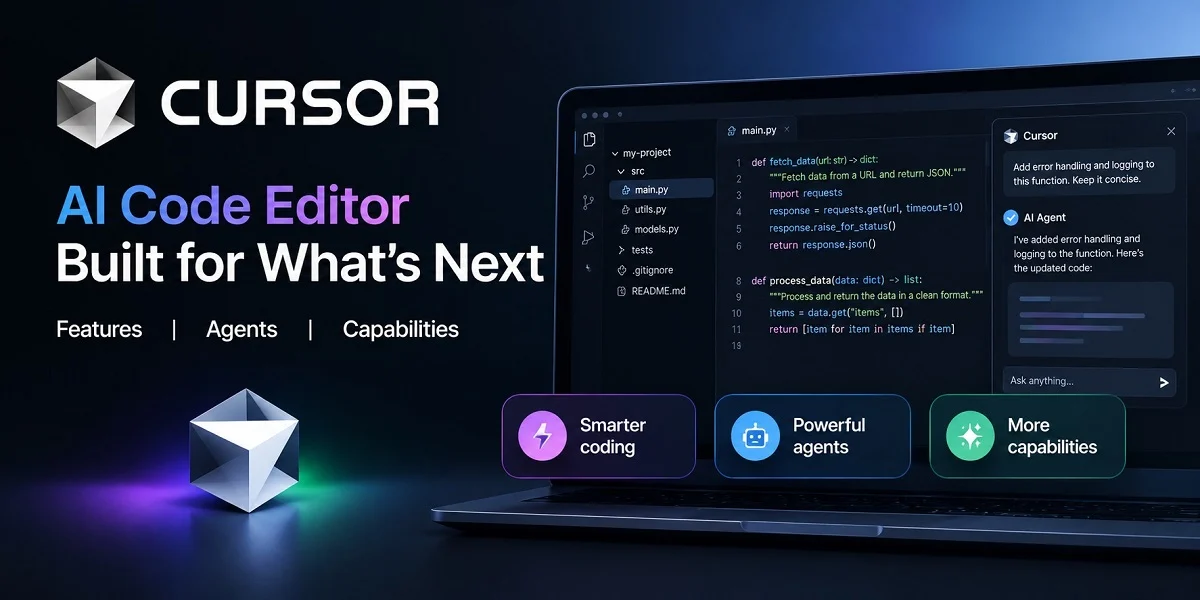
What Is the Cursor AI Code Editor?
Cursor is an AI-first coding environment from Anysphere, a San Francisco company that four MIT classmates founded in 2022. The Cursor AI code editor is a fork of Visual Studio Code and first shipped in 2023. Extensions, themes and keybindings migrate on first launch. The aim is simple: put an AI agent inside the editor you already know.
Instead of pasting snippets into a separate chat window, you describe a task and the editor acts on your project. You can pick models from Anthropic, OpenAI, Google and xAI. Cursor also ships its own in-house models.
Anysphere has shipped fast since launch. Cursor 3 arrived in April 2026 with an interface built around agents. You can still switch back to the classic editor at any time.
Core Features of Cursor
Tab Completion
Cursor Tab predicts your next edit, not just your next word. It suggests multi-line changes, refactors and jumps to related code. A dedicated in-house model powers Tab, tuned for fast next-edit prediction. Press Tab to accept a suggestion and keep typing.
Parallel Agents
Agent mode takes a goal and works through it across many files. Cursor 3 added an Agents Window for running many agents in parallel, from local worktrees to the cloud. Cloud agents use their own machines, so long jobs do not tie up your laptop. Each agent works in isolation, so two agents on one project do not overwrite each other.
Codebase Understanding
Cursor indexes your repository so you can query your project in natural language. You can point a prompt at specific files, docs and definitions. Large refactors benefit most, since one change often touches many files.
Rules, Review and Privacy
Project rules keep your conventions in front of the AI, and MCP servers connect it to outside tools. Design Mode lets you point at a UI element in the browser and tell the agent what to change. BugBot reviews pull requests. Privacy Mode stops your code from being stored remotely.
Who Uses Cursor and How
Professional developers use the Cursor AI code editor to refactor large codebases, write tests and fix bugs across several files. Solo builders use it to ship prototypes faster. Teams add shared rules and admin controls so everyone follows the same standards. Agents can build, test and demonstrate a feature end to end, then hand it back for review.
Cursor suits people who can read code, because every AI change still needs review. Treat the output like a pull request from a teammate. Anyone already on VS Code faces the smallest learning curve.
Pricing, Plans and Integrations
Cursor is freemium, with a free Hobby plan and paid tiers for heavier agent use. Team plans add centralized billing and single sign-on. The pricing panel on this page shows current plans.
Cursor connects with Slack and any MCP server. Its CLI runs agents from a terminal or from another IDE. Background agents can also open pull requests in your repository.
The Cursor AI code editor rewards developers who want an AI collaborator inside a familiar workspace. Try the free plan on a small project first. Upgrade once your agent usage grows.
Learn more about Cursor AI Code Editor: Cursor Products.