
Runway: AI Video Generation and Creative Editing Platform
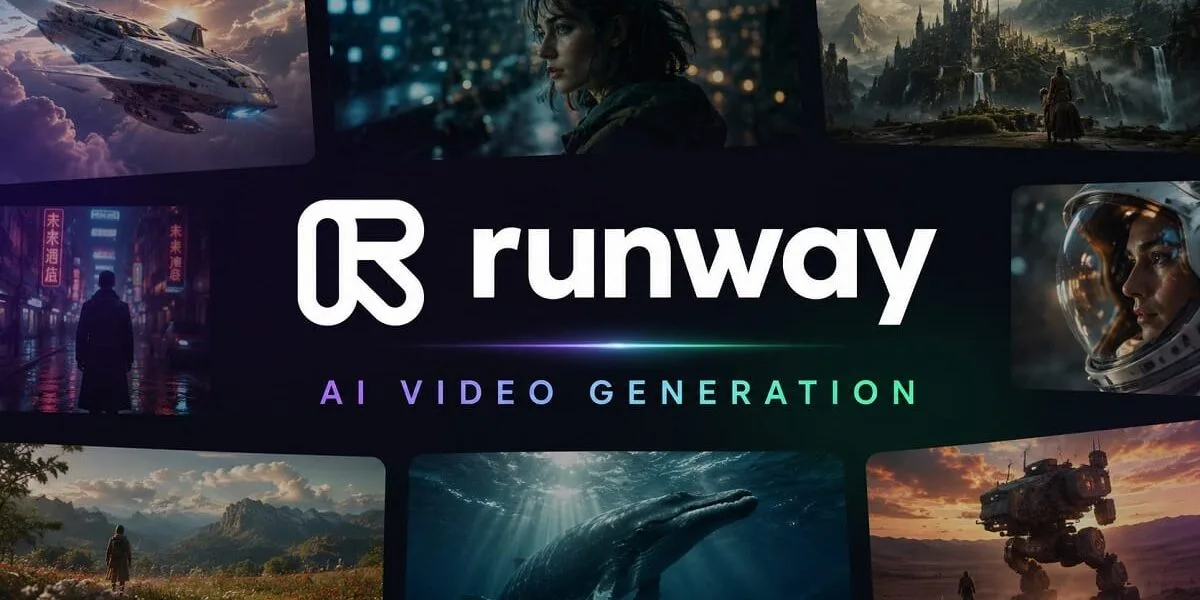
Producing professional-looking video usually involves filming, editing, visual effects, and considerable production time. Runway offers another approach, using generative AI to create video from text prompts, images, and existing footage. Creators can also modify scenes, animate characters, and refine generated clips within the same creative environment.
Available at runway.com, the platform serves filmmakers, marketers, content creators, designers, and businesses producing digital media. It combines video generation with image tools, editing applications, and AI-assisted creative workflows.
Key Features of Runway
Text-to-Video and Image-to-Video Generation
Runway’s generative video tools turn written descriptions or still images into moving scenes. Users can describe a subject’s actions, camera movement, lighting, and scene progression to guide the output.
Image-to-video generation is particularly useful when you already have a visual concept. Upload an image and describe how the scene should move. The system then generates a video based on that starting frame.
These capabilities support short films, advertisements, product demonstrations, storyboards, and social media content. Results vary with the selected model, prompt, and input quality, so complex scenes may require several attempts.
AI Video Editing
Creating footage is only one part of video production. Runway also offers AI-assisted editing tools that let users modify existing clips through prompts and specialized applications.
Depending on the tool, users can remove unwanted objects, change backgrounds, adjust lighting, and alter visual elements without recreating an entire scene. Video extension and upscaling features can also help prepare clips for further editing or export.
These tools can reduce manual work, although generated changes may introduce visual inconsistencies that need correction.
AI Image Generation and Editing
The platform includes image-generation tools for creating visuals from text prompts and reference images. Users can develop concept art, marketing graphics, character designs, and other assets for creative projects.
Generated images can also serve as starting points for video production. This creates a practical workflow for developing a visual concept before animating it.
Character Animation and Performance Capture
Runway provides character animation tools that can use reference images and performance footage to guide a character’s movements. Its Act-Two workflow supports performance-driven animation, while Character Script to Video can animate a character delivering dialogue using a script or audio input.
These features are useful for storytelling, digital characters, presentations, and experimental video projects. The final result depends on the input material and selected workflow.
Runway Agent and Creative Workflows
Runway Agent offers a conversational way to plan and produce creative projects. It can help generate assets, work through creative instructions, and coordinate different stages of production.
For more customized processes, node-based Workflows let users connect supported operations into repeatable pipelines. These options are particularly relevant to teams producing multiple assets or experimenting with more structured production processes.
Who Should Use Runway?
The platform is suitable for filmmakers, video editors, advertising teams, social media creators, designers, and independent artists. Small businesses can use it to develop promotional concepts, while educators and content producers can experiment with visual explanations and storytelling.
It is also useful for creative professionals who want to test ideas before committing resources to filming or animation. However, projects requiring precise continuity, brand accuracy, or detailed control may still need conventional editing and production software.
Is Runway Free?
Runway offers a free plan with 125 one-time credits. These credits provide limited access to selected features rather than unlimited video generation. Paid subscriptions provide additional credits and access to more generation models and capabilities.
Credit consumption varies by model, duration, resolution, and operation. Check the official pricing page for current plans and allowances before subscribing.
Final Overview
Runway brings AI video generation, image creation, editing, and character animation into one creative platform. Its main advantage is the ability to move from an idea or reference image to a generated scene, then refine the result using additional tools.
It does not eliminate the need for creative judgment or quality control. Generated footage can contain artifacts, and users should verify commercial-use rights and review outputs before publication. For creators seeking more flexible ways to develop and edit visual content, it offers a broad set of generative production tools.
Learn more about Runway: AI video generator.