

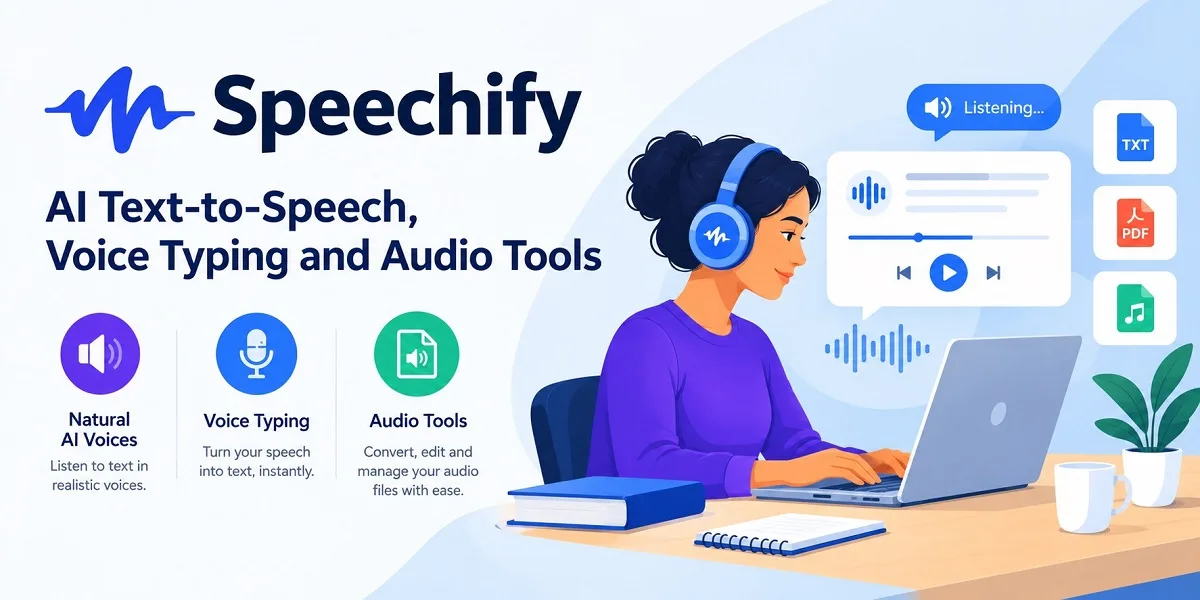
Speechify: AI Text-to-Speech, Voice Typing and Audio Tools
Reading everything on a screen can be tiring, especially when your day involves research papers, reports, emails, and study materials. Speechify offers another option: turn written content into audio and listen when it suits you.
Available at speechify.com, this AI-powered platform combines text-to-speech, document reading, voice typing, AI summaries, and audio content creation. It works across supported browsers and devices, making it useful for students, professionals, educators, and content creators who want more flexibility in how they read and work.
What Can You Do With Speechify?
Listen to PDFs, Documents and Web Pages
The main feature converts written content into spoken audio using synthetic voices. You can listen to PDFs, digital documents, articles, emails, and other supported text without reading every line yourself.
Playback controls let you adjust the listening speed, while synchronized text highlighting helps you follow along. The Scan and Listen feature can also convert photographed or scanned printed material into audio using text recognition.
These options are useful for reviewing lecture notes, listening to reports during a commute, or revisiting lengthy reading materials away from your desk.
Choose AI Voices and Languages
Speechify offers a broad selection of AI-generated voices, languages, and accents. Premium access includes more voice options and higher playback speeds than the basic free plan.
Users can choose a voice and listening pace that suit their preferences. Listening faster may help experienced users review familiar material, although complex subjects often require a slower pace.
Summarize Documents and Ask Questions
The platform includes AI summaries and conversational features that help users extract key information from documents and other supported content.
Students can use summaries to review reading materials, while professionals can identify important points in lengthy reports. The Voice AI Assistant also lets users ask questions and seek explanations about content.
AI-generated answers and summaries can omit context or misinterpret details. Check the original document whenever accuracy matters, particularly when handling academic research or technical information.
Dictate Text With Voice Typing
Speechify’s voice typing feature converts spoken words into written text. It can help users draft emails, notes, messages, and longer documents without typing every sentence manually.
Its tools include features for cleaning up filler words and improving grammar or spelling. This can make dictation more practical for everyday writing, although proofreading remains necessary for names, specialist terminology, and important documents.
Create AI Podcasts and Voiceovers
Speechify offers AI podcast creation, allowing users to turn supported documents or prompts into audio discussions. This provides an alternative way to review information or develop audio content from existing material.
For creators who need narration for videos, advertisements, or other media, Speechify Studio is a separate product offering voiceovers, dubbing, and related audio-production tools. Its subscription is separate from the standard text-to-speech reader.
Who Should Use Speechify?
The platform suits students, researchers, teachers, professionals, and people who prefer listening to written content. It can also support users who experience reading fatigue or benefit from having text read aloud.
Content creators may find its audio-generation tools useful, while people who write frequently can use voice typing to draft content more efficiently.
Speechify is best viewed as a flexible reading and productivity aid, rather than a replacement for careful reading, editing, or independent research.
Is Speechify Free?
A free plan is available with basic text-to-speech features, 10 voices, and playback speeds of up to 1.5x. Premium adds more natural-sounding voices, additional languages, faster playback, document scanning, AI summaries, and other features.
Pricing and usage limits can change. Check the official pricing page for current subscription details before upgrading.
Final Overview
Speechify brings reading, listening, dictation, and AI-assisted content tools into one platform. Its main advantage is giving users more ways to work with written information, whether they want to listen to a report, review study notes, or dictate a document.
The free version provides a way to try its core reading features, while paid access offers a broader set of tools. For anyone looking to make written content easier to access and manage, it is worth considering.
Learn more about Speechify: Voiceover generator, Dubbing and Text-to-speech documentation.