

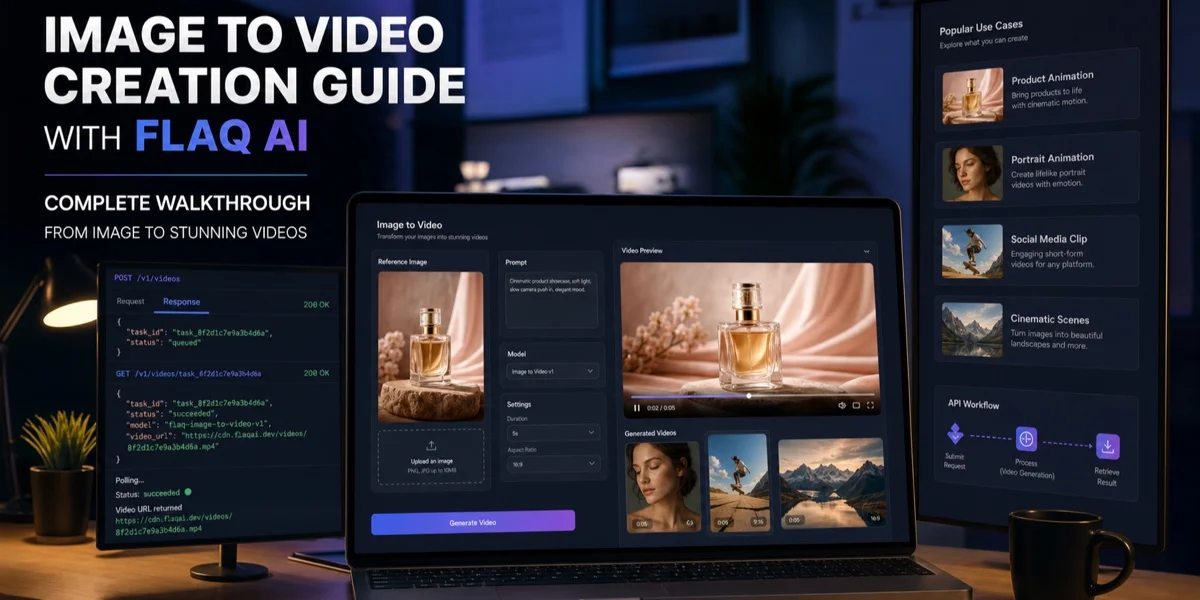
Create AI Videos from Text or Images
Flaq AI Free AI Video Generator turns a written scene idea or a pair of images into a short video clip in your browser. Start with a text prompt, or upload a start frame and an end frame to guide how the scene begins and finishes. Describe the subject, action, setting, lighting, mood, and camera movement in plain language. Choose a landscape, portrait, or square aspect ratio, then generate a clip with built-in audio. Powered by MiniMax H3, the tool lets you preview a result, adjust your prompt, try another version, and download the clip.
Use the generator to explore a visual direction before investing time in a larger production. Create a possible opening shot for a social post, test a product reveal, or see how a camera move might work. You can also make moving references for storyboards, pitch decks, presentations, tutorials, mood reels, and early production discussions. If you have several ideas, change the prompt or frame images and compare the results. Text-to-video works well when you are starting with a written scene description; paired frames give you control over the clip’s starting and ending images.
The free tool offers unlimited generations without an account or watermark, so you can experiment before deciding which concept to develop further. It is suited to content creators, marketers, designers, and production teams who want to explore short video concepts quickly. Use it to produce individual clips for ideation, planning, and visual communication. The output can help you explain a scene or share a creative direction with collaborators, even when a full production is not yet underway.
Learn more about Flaq Free AI Video Generator: Free AI Video Generator.